
Features
Your own handwriting
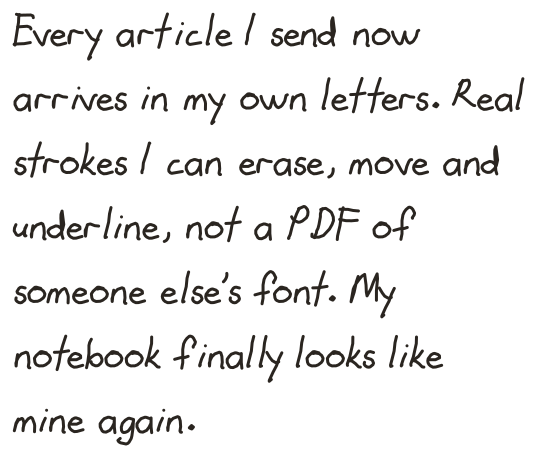
Fill in one alphabet sheet on your reMarkable and Remarkify turns it into your personal font. Everything you send after that arrives in your own letters.
Instead of a handwriting font, Remarkify can write in your hand. You fill in one sheet on your tablet, Remarkify reads your strokes back and builds a personal font from them, and from then on every article, highlight and note you send is written with it. It is free on every plan and does not use any credits.
Capture it
On the web, open Preferences → Your handwriting. In the iPhone app, go to Account → Writing style. Both walk you through the same three steps:
Send the sheet to your tablet
Tap Send sheet to tablet. A one-page notebook with an alphabet grid appears in your reMarkable library.
Write each letter, then sync
Every cell shows one character. Write it in the empty box underneath, in your normal handwriting. When you are done, make sure the tablet has synced.
Build your font
Tap Build my font. Remarkify reads the sheet back from your tablet, builds the font and selects it as your font. The next thing you send uses it.
Tips for a good result
- Use one pen and one size for the whole sheet, ideally the pen you normally write with.
- Keep each character inside its box. Strokes that run into the next box get mixed up with the neighbouring character.
- Write the way you usually do, not your neatest calligraphy. The font is more convincing when it looks like your notes.
- Skip what you never use. Any box you leave empty falls back to the built-in font.
Which characters are on the sheet
The sheet covers the full Latin set used in Western and Northern Europe and Turkey: A–Z and a–z, digits, punctuation and symbols, and accented letters such as é, ü, ñ, ç, ø, å, æ, ß, ğ, ı and ş. Scripts outside the Latin alphabet, such as Cyrillic, Greek or Chinese, are not supported yet.
Redo it or switch back
You can send a new sheet and rebuild your font whenever you like; the new font replaces the old one. To go back to a regular font, pick one under Font family. Your handwriting stays available to pick again later.
Privacy and deleting it
Your sheet and the font built from it are only used to write your own notes. They are not shared with other users or used for anything else. Delete my handwriting, under the same panel, removes the font and every stored copy of your sheet immediately. The sheet notebook on your tablet is yours to delete. Details are in the Privacy Policy.